Read the instructions. The manual contains important safety and operating instructions. Read and follow the manual provided with the battery charger and the instructions here.
Doc: A06961 rev04A, PN: 6515208
The following instructions are only applicable to the battery charger Micropower SL.
Read the instructions. The manual contains important safety and operating instructions. Read and follow the manual provided with the battery charger and the instructions here.
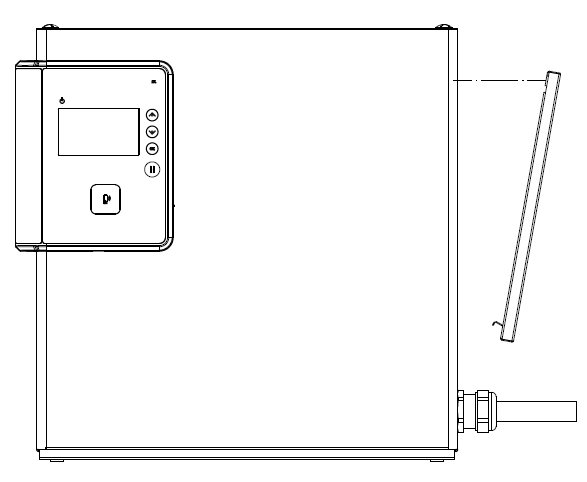
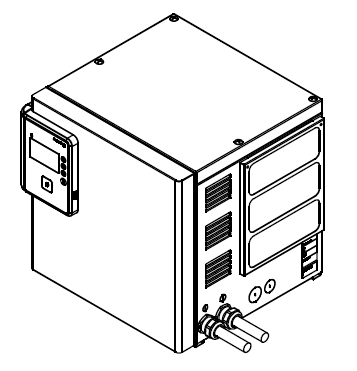
Air filter for a 2 PU enclosure:
Ensure that the filter mat is correctly fastened in the filter bracket.
Slide the air filter into the air slot on the enclosure.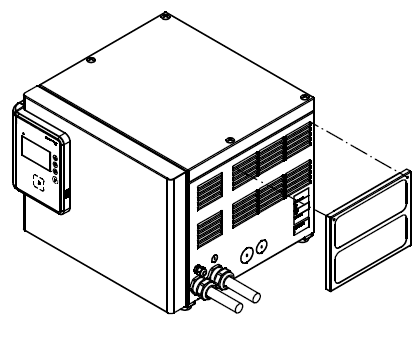
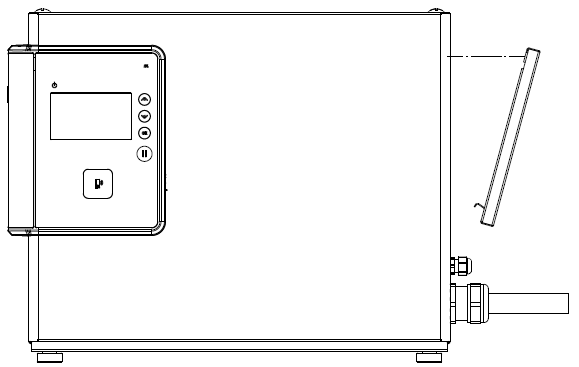
Make sure that the air filter is placed like in figure below and is covering all air slots in front of the power units.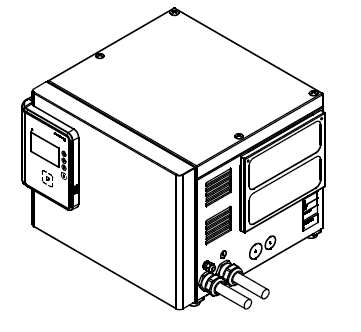
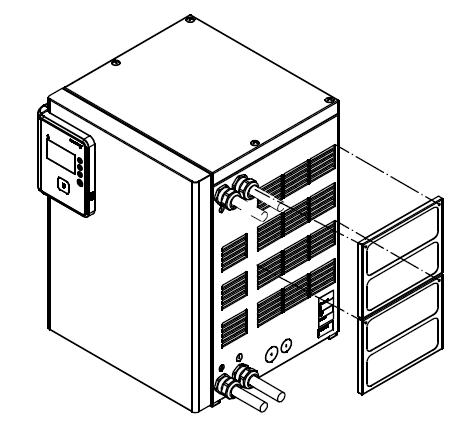
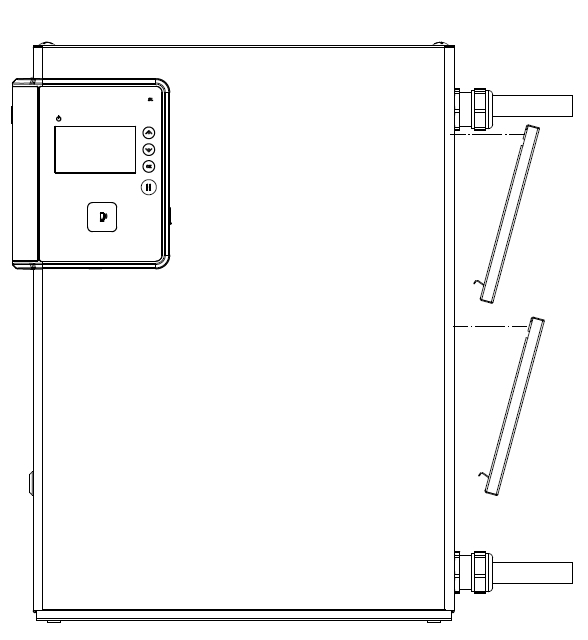
Air filter for a 3 PU enclosure:
Ensure that the filter mat is correctly fastened in the filter bracket.
Slide the air filter into the air slot on the enclosure.
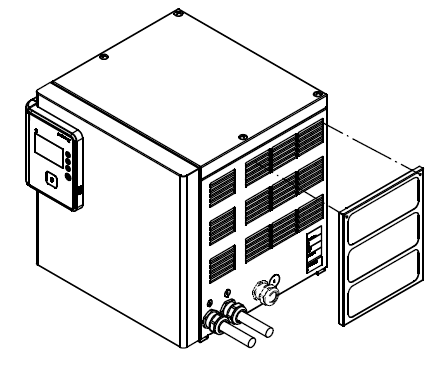
Ensure that both filter mats are correctly fastened in the filter brackets.
Slide both air filters into the air slots on the enclosure.
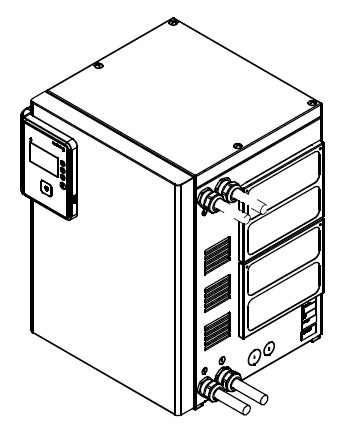
Part number for air filter kit, model codes 1A5B2** and 1A5B4**: 8580270
Part number for air filter kit, model code 1A5B3**: 8580297
Part number for air filter mat, model codes 1A5B2** and 1A5B4**: 1128049
Part number for air filter mat, model code 1A5B3**: 1128051
For model code, see the data label located on the battery charger.
Language variants (US)
| ESPAÑOL-US | FRANÇAIS-US | |
Further information and documentation can be found at docs.micropower-group.com.