Read the instructions. The manual contains important safety and operating instructions. Read and follow the manual provided with the battery charger and the instructions here.
Doc: A06960 rev02, PN: 6515207
The following instructions are only applicable to the battery charger Micropower SL.
Read the instructions. The manual contains important safety and operating instructions. Read and follow the manual provided with the battery charger and the instructions here.
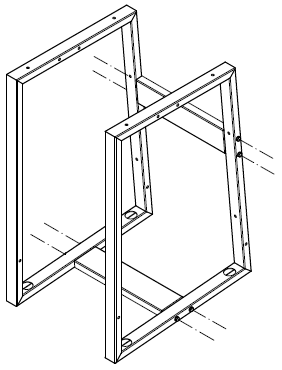
Drill holes in the floor according to figure below. Mount with suitable screws in all four fixing points (not included)..PNG?rl=en-US)
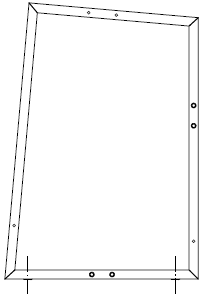
Remove the feet from the charger.
Place and center the charger over the holes on the floor stand. Mount and tighten with the included M8 × 40 mm (approx. 1.57 inch) screws and washers to the charger.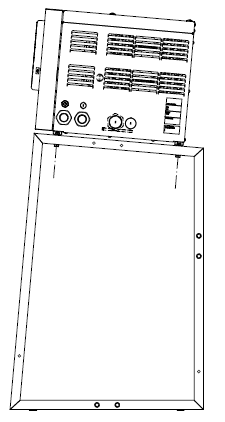
Part number for floor stand: 11280242
Included in the kit:
2 pcs Floor stand frames
2 pcs Accessory brackets
4 pcs M8 x 40 mm (approx. 1.57 inch) screws
8 pcs M8 x 65 mm (approx. 2.56 inch) screws
16 pcs M8 washers
8 pcs M8 nuts
Language variants (US)
| ESPAÑOL-US | FRANÇAIS-US | |
Further information and documentation can be found at docs.micropower-group.com.