Read the instructions. The manual contains important safety and operating instructions. Read and follow the manual provided with the battery charger and the instructions here.
Doc: A06954 rev02, PN: 6515201
The following instructions are only applicable to the battery charger Micropower SL.
Read the instructions. The manual contains important safety and operating instructions. Read and follow the manual provided with the battery charger and the instructions here.
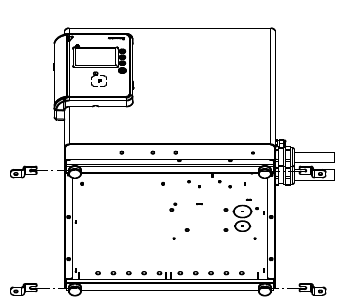
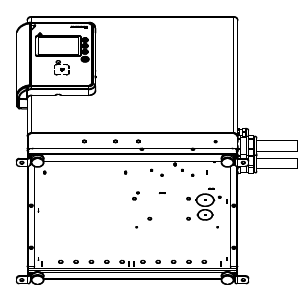
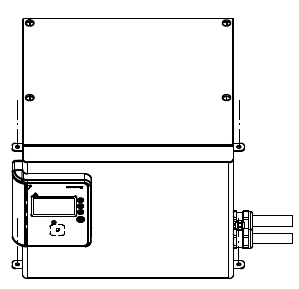
Part number for tilt lock brackets (4 pcs included): 8580265
Language variants (US)
| ESPAÑOL-US | FRANÇAIS-US | |
Further information and documentation can be found at docs.micropower-group.com.